

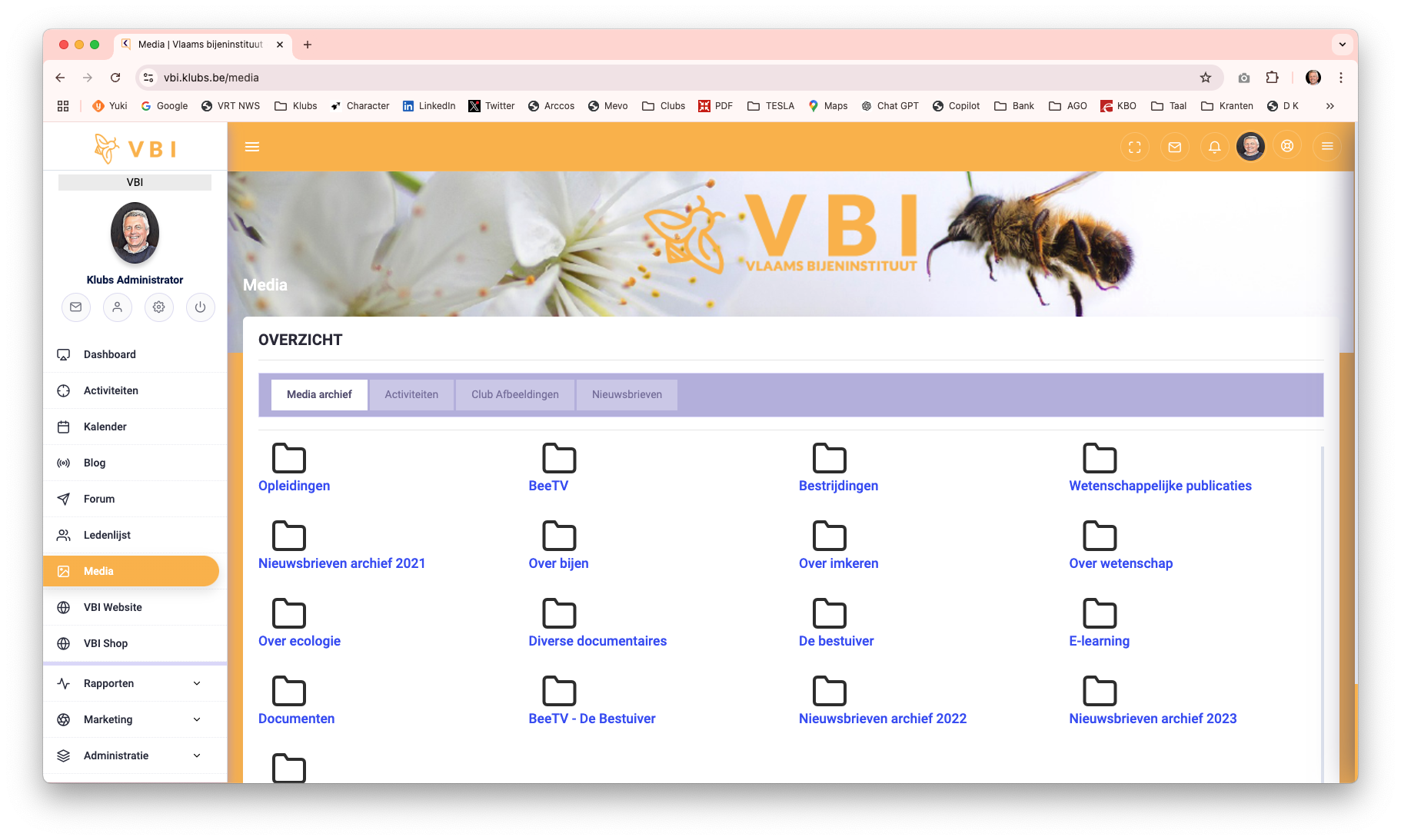
The Media Library brings together the different types of media from Klubs to then offer to members.
- Media Archive
A fully customizable media archive for Images, pdf documents, videos and classifiable into organized folders; - Activities
The well-known Activities Media with photo reports possibly documents as archives of an Activity; - Newsletters
Specific Mail Campaigns, Newsletter type, are brought together here;
Media Archive
Setup
Setup of the Media Archive with Folders and Media Items

Where Media types can be pdf documents as well as videos:
- Files
Allowed file formats: JPG, PNG, BMP, GIF, PDF
Max. size 10MB - Videos: both Video and Youtube via ID
Vimeo example ID:https://player.vimeo.com/video/1018578648
Youtube example ID: https://www.youtube.com/embed/j5VBt0xx88Y
Use
Use by members, easy by folder structure.
Activities
The Activity Media is set up when managing the Activity, select - Photos & Documents
Here you can then add the files and set the visibility per activity.
The Media Library displays all activities where photos or documents were uploaded.
Newsletters
Newsletters
Specific Mail Campaigns can be referred to as Newsletter type.
These are brought together here, conveniently available to members.
Setup
In Mail Campaigns, specific mailings can be designated as Newsletter type.

Newsletter Link
After sending the mailing, a link can be copied with the reporting which can then also be further used for public website, social media, ...

Newsletter View
The Newsletter (indication Newsletter and after sending) is then included in the Media Library.
The formatted newsletter is then displayed in your browser, either through the link in the Media Library or through the public link from the report.
