

Among the activities media a number of types each with a separate use:
- Photo report
Used for media sharing (via admin or attendees) after the activity.
Photos are displayed with the activity (recent activities) and are available in fuller resolution. - Activity Attachment
Used for distributing files typically prior to the activity such as directions, manual, reports.
Given the usually larger files sent as attachments to activity communications
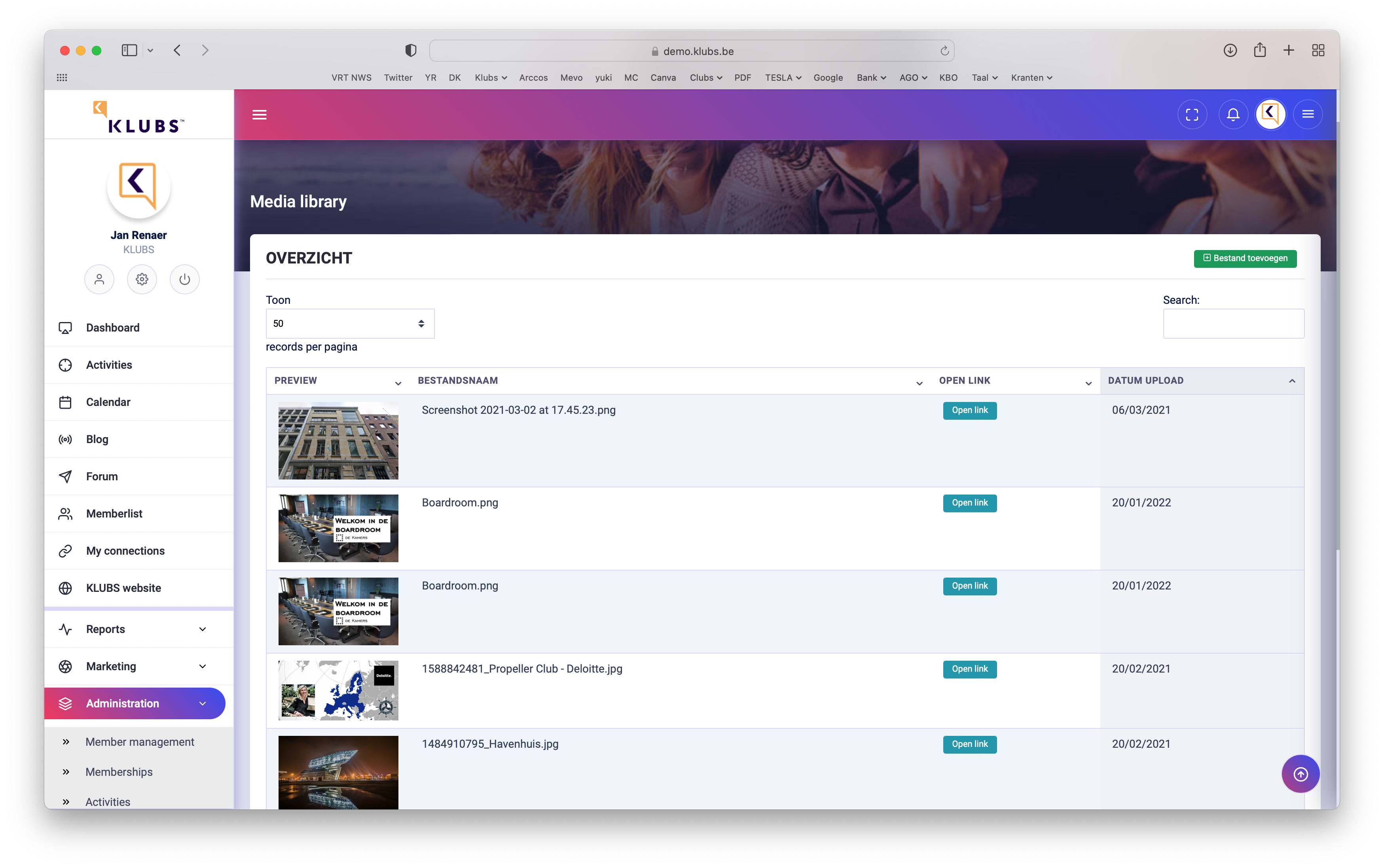
Media library
Share multimedia of your activities with members present and also allow them to upload and publish their photos. Also possibility to manage and archive club and board documents.
Input
When managing the Activity, select - Photos & Documents
Here you can then add the files and set the visibility per activity.

Upon indication of the checkmark, this is treated Activity Attachment (not as a Photo Report).
Management
All media can still be managed separately in the Admin area, at Media library.
Photo Report
In the members menu (Activities) search for a recent activity.

Media visible on detail page of activity.
Activities Appendix
Additionally, you can also upload media that is visible, and thus usable, prior to the activity (such as route, manual, ...).

It will appear at the bottom of the activity description as a download link, for users.
Media size
We allow large files up to
If necessary, resize the pdf using a tool:
- PDF Compressor - https://pdfcompressor.com/nl/